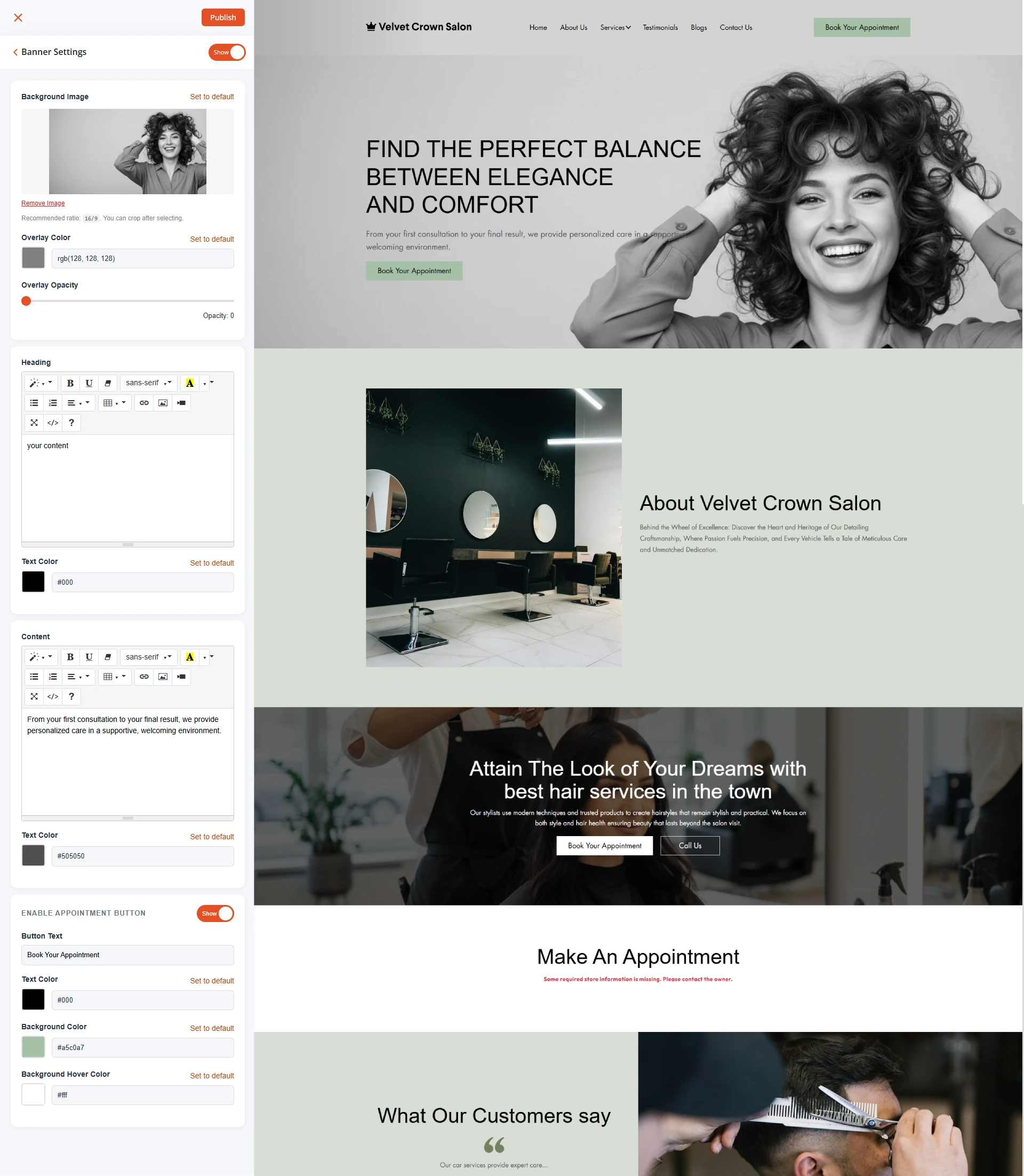
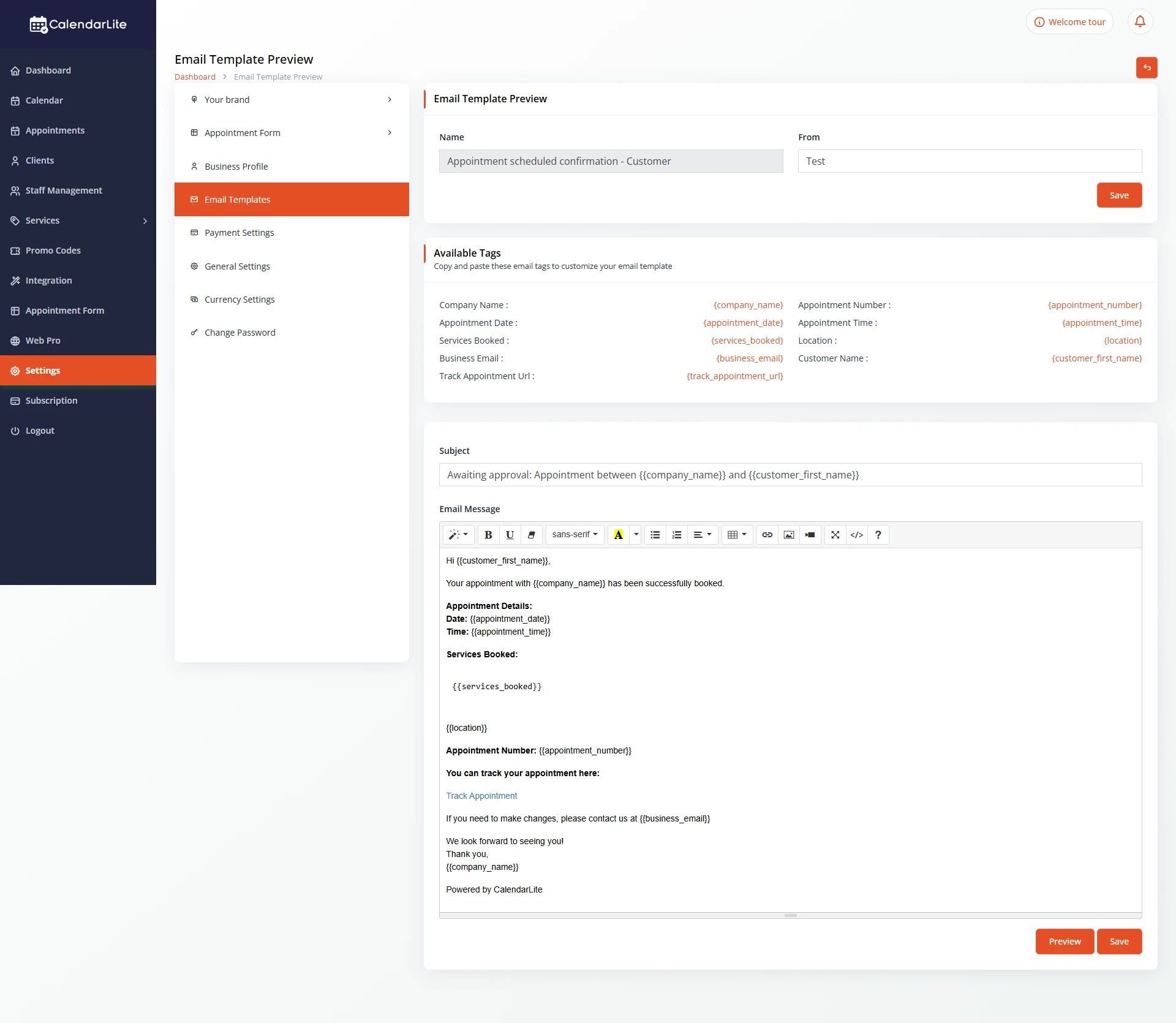
Choose from professionally designed themes and customize every detail to match your brand. Update content, personalize your business information, and create a website experience that reflects your unique style—all without touching a single line of code.
Customize your website without the complexity. Choose a professional theme, personalize your content, and align every detail with your brand identity.
Update logos, business information, page content, and website sections from one simple dashboard. Create a polished online presence that reflects your business and helps turn visitors into customers.
MULTIPLE THEME OPTIONS
Select the Perfect Theme for Your Business
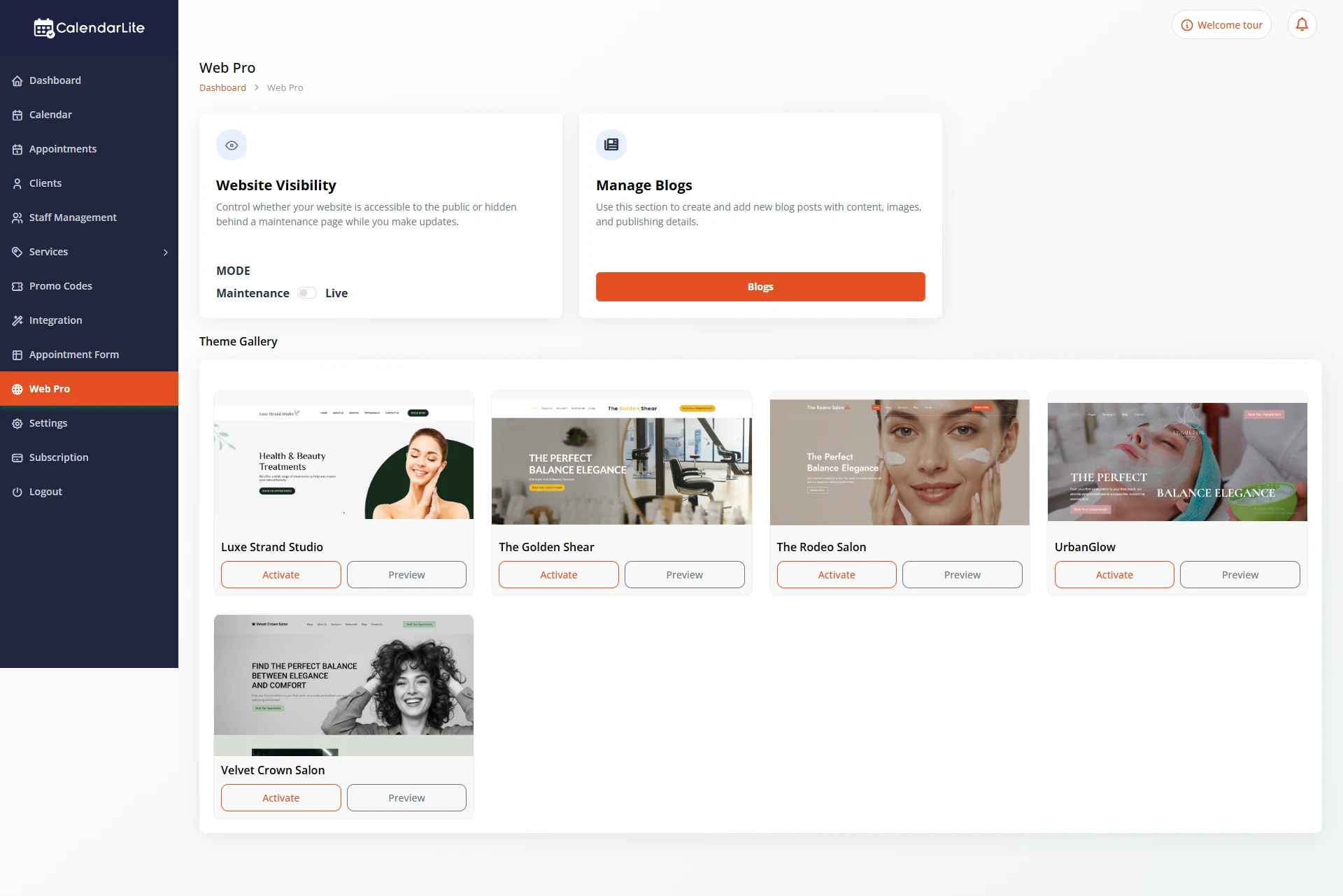
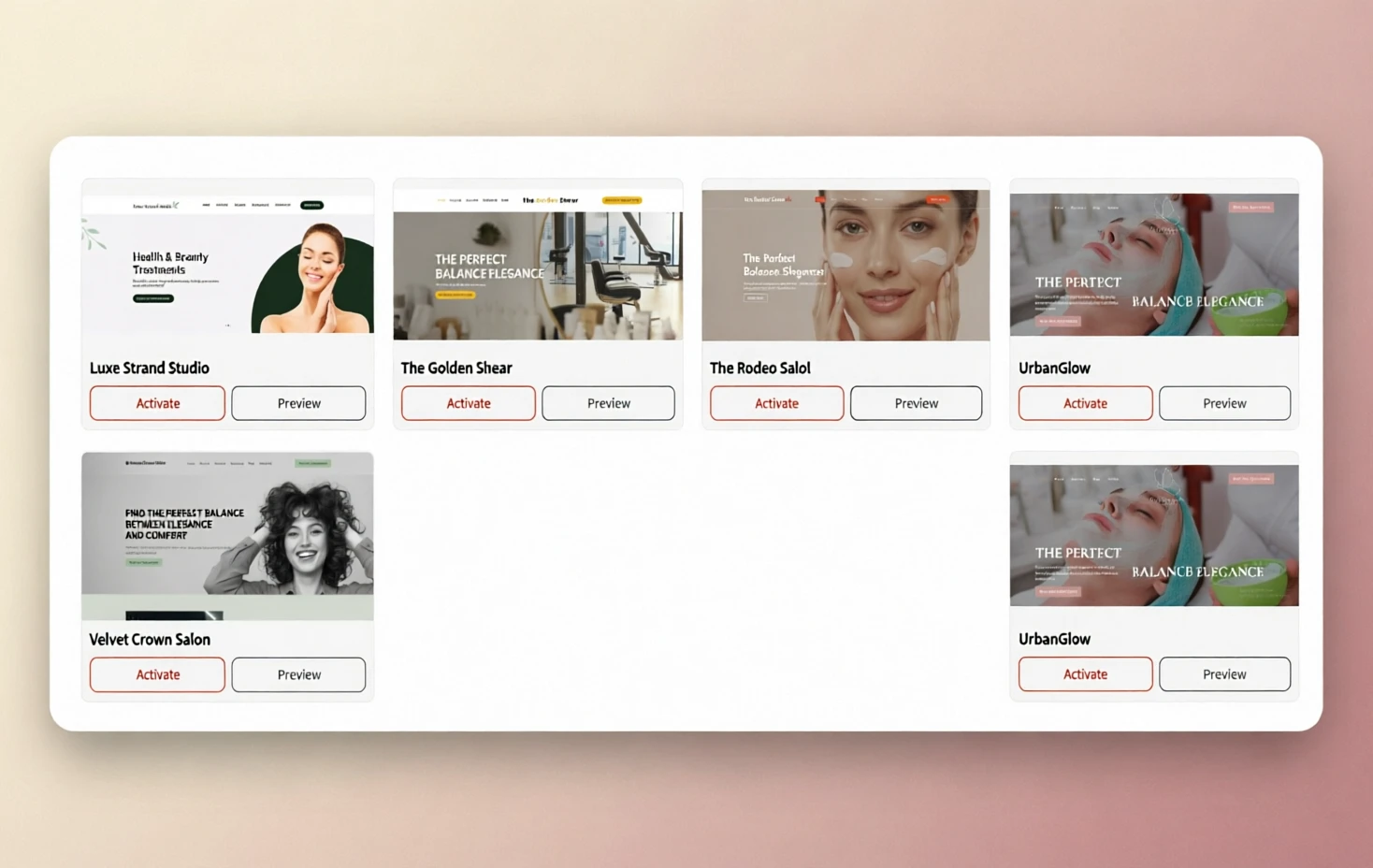
Explore a collection of beautifully designed website themes tailored for salons, spas, wellness centers, clinics, fitness studios, and professional service businesses. Preview different layouts and activate the one that best represents your brand.
Whether you prefer a modern, elegant, minimal, or bold design, CalendarLite gives you the flexibility to switch themes and find the perfect look for your business.
EASY CONTENT MANAGEMENT
Edit Theme Content with Ease
Keep your website up to date by editing text, headlines, descriptions, service details, and page content directly from your dashboard. No coding knowledge is required.
Update your messaging whenever your business evolves and ensure visitors always see accurate information about your services, offers, and appointments.
BRAND PERSONALIZATION
Customize Your Brand Details
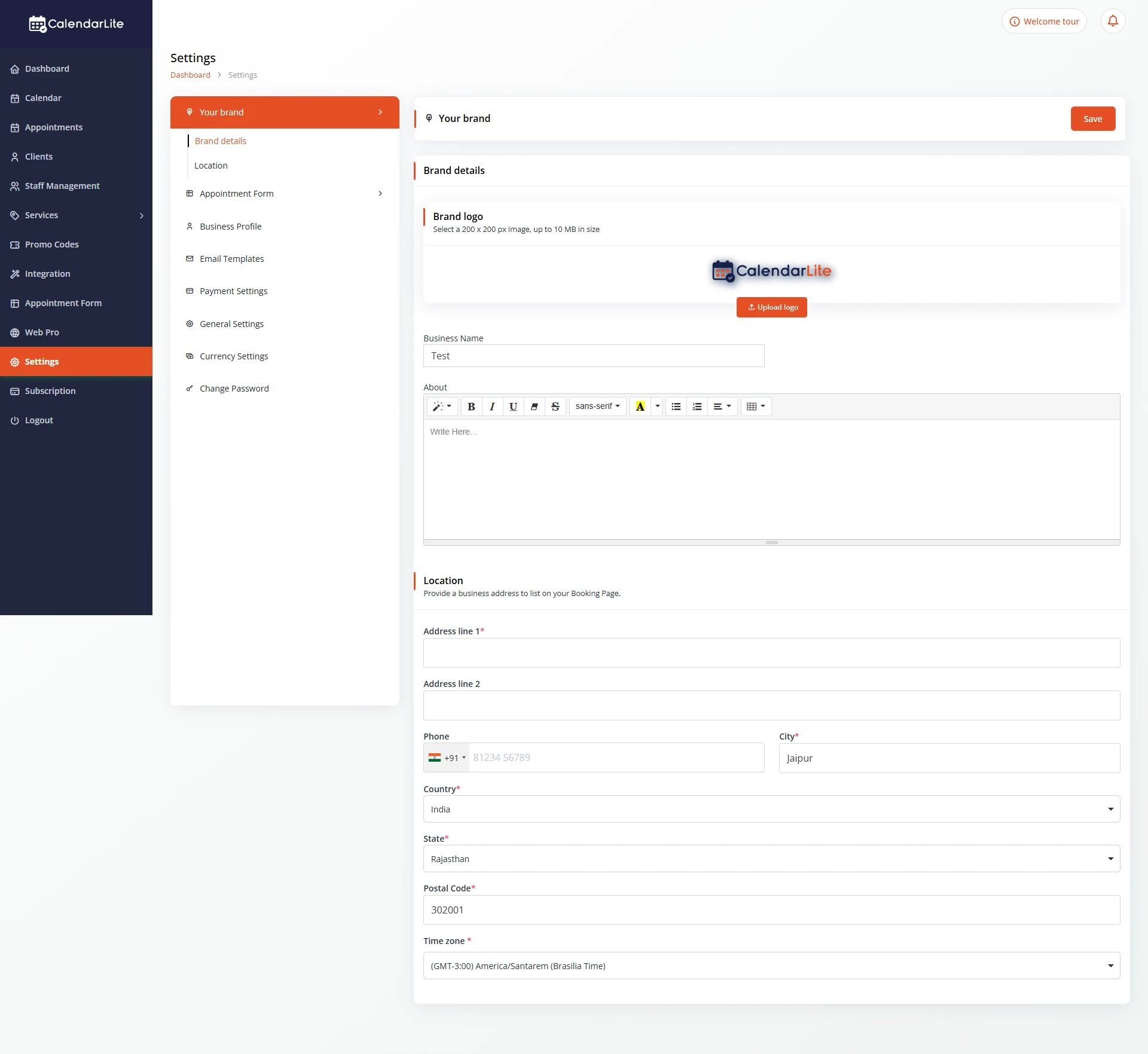
Add your business logo, company name, location information, contact details, and brand description to create a professional online presence.
CalendarLite automatically applies your branding throughout your website, helping customers recognize and trust your business across every page.
FLEXIBLE DESIGN SETTINGS
Customize Your Theme to Fit Your Needs
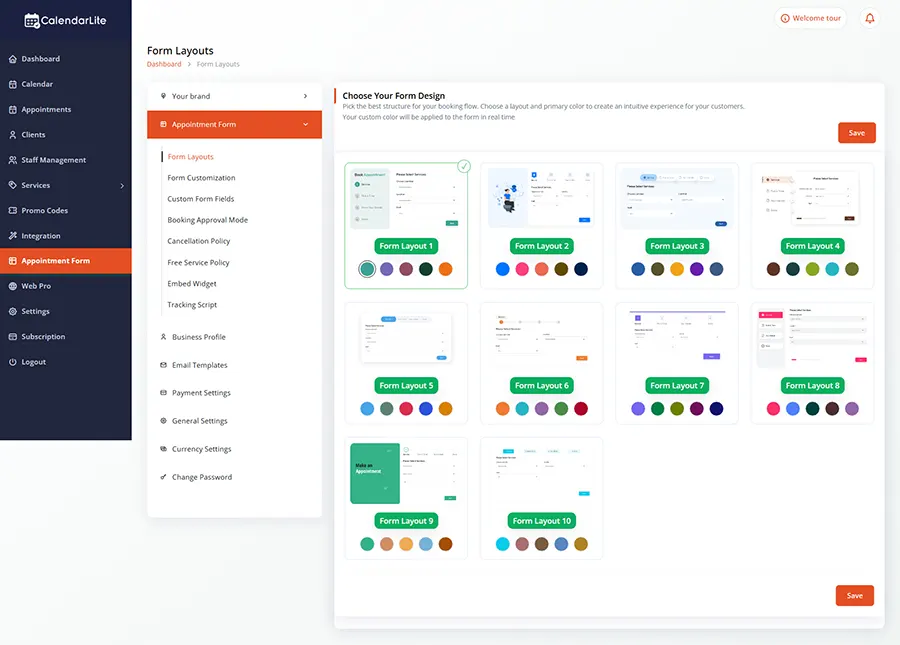
Adjust your website to match your unique business requirements. Personalize layouts, colors, typography, sections, and visual elements to create a website that aligns perfectly with your brand identity.
Create a consistent experience that feels professional, polished, and uniquely yours.
ADVANCED COMPONENT CONTROLS
Customize Every Theme Component
Take full control over the individual sections of your website. Modify banners, service showcases, appointment booking areas, testimonials, galleries, contact sections, and more.
Enable, disable, or rearrange components to build a website that highlights what matters most to your customers and supports your business goals.
You can browse available themes from the Theme Gallery and activate the one that best fits your business. Your website will instantly update with the selected design.
Can I switch themes after my website is live?
Yes. You can change themes at any time without affecting your appointments, customer data, or business settings.
Do I need coding knowledge to customize my theme?
No. CalendarLite’s Theme Customizer is designed for non-technical users. You can update content, branding, and website sections through an easy-to-use dashboard.
Can I upload my own logo and business information?
Absolutely. You can add your logo, business name, contact details, location, and company description to create a fully branded website experience.
What content can I edit within my theme?
You can customize page text, headings, service descriptions, banners, images, call-to-action sections, contact information, and other website content.
Can I customize individual website sections?
Yes. You can enable, disable, edit, or rearrange various website components such as hero banners, service sections, galleries, testimonials, and contact forms.
Will my website remain mobile-friendly after customization?
Yes. All CalendarLite themes are fully responsive and automatically adapt to desktops, tablets, and mobile devices.
Can I preview a theme before activating it?
Yes. Use the Preview option in the Theme Gallery to see how a theme looks before making it live on your website.
Does theme customization affect my online booking system?
No. Your appointment scheduling and booking functionality continue to work seamlessly regardless of the theme you choose.
Can I customize my website as my business grows?
Yes. You can update your branding, content, and website components anytime to reflect new services, promotions, or business changes.
Create a Website That Matches Your Business
Customize your theme, showcase your brand, and deliver a professional booking experience that stands out.