No confusion, just the right time.

Automatic Timezone Detection for Seamless Scheduling

Let your system detect and adjust timezones automatically — so every meeting is scheduled correctly, no matter where your users are
automatic timezone image
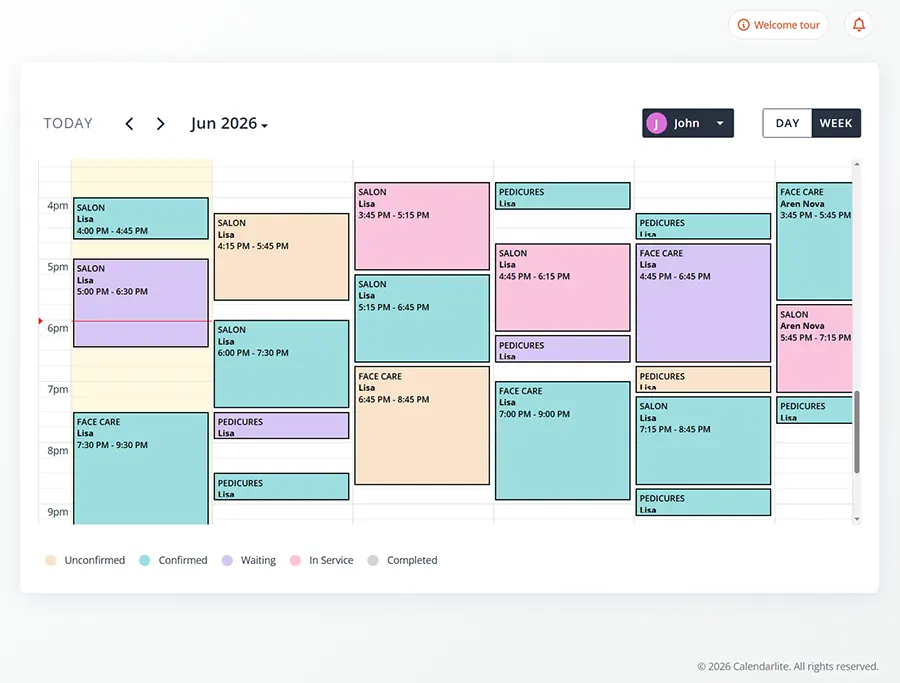
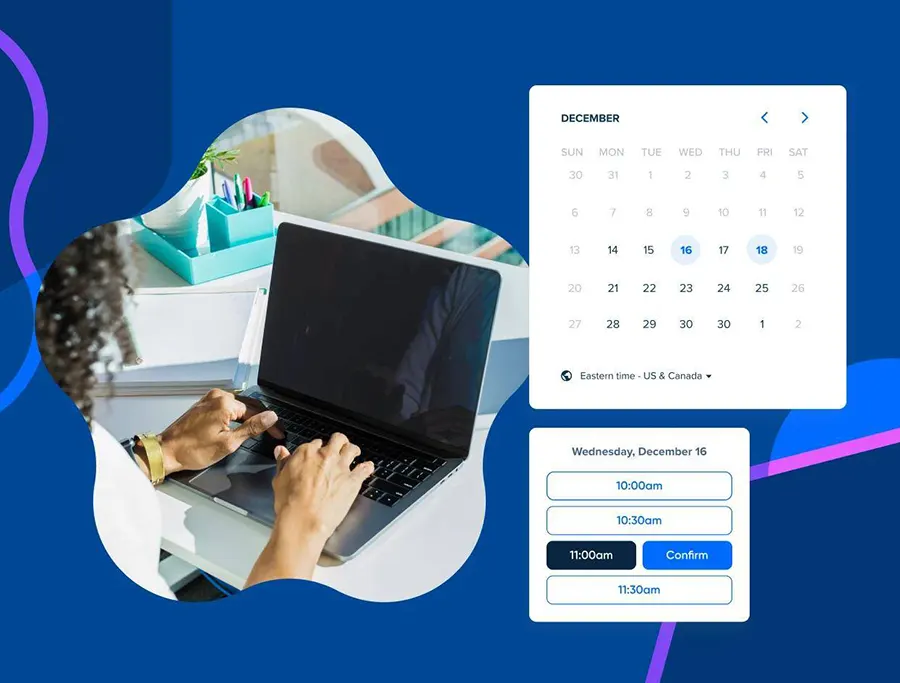
Scheduling across different timezones can be confusing and error-prone. With CalendarLite’s automatic timezone detection, your users always see the correct time based on their location.
No manual conversions. No missed meetings. Just smooth, accurate scheduling worldwide.
Auto Timezone Detection

Detect User Timezone Automatically

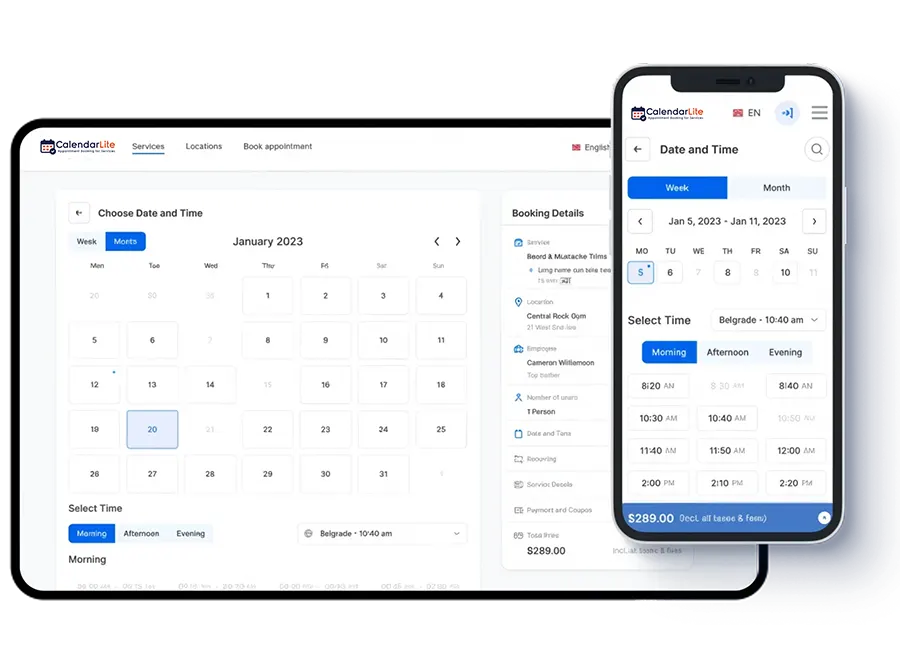
CalendarLite automatically identifies the user’s timezone based on their browser or location, ensuring accurate scheduling every time.
automatic timezone img6
Real-Time Time Conversion

Instant Time Conversion Across Regions

Display meeting times in both your timezone and your client’s — making it easy for everyone to stay aligned.
automatic timezone img7
Error-Free Booking

Avoid Scheduling Mistakes

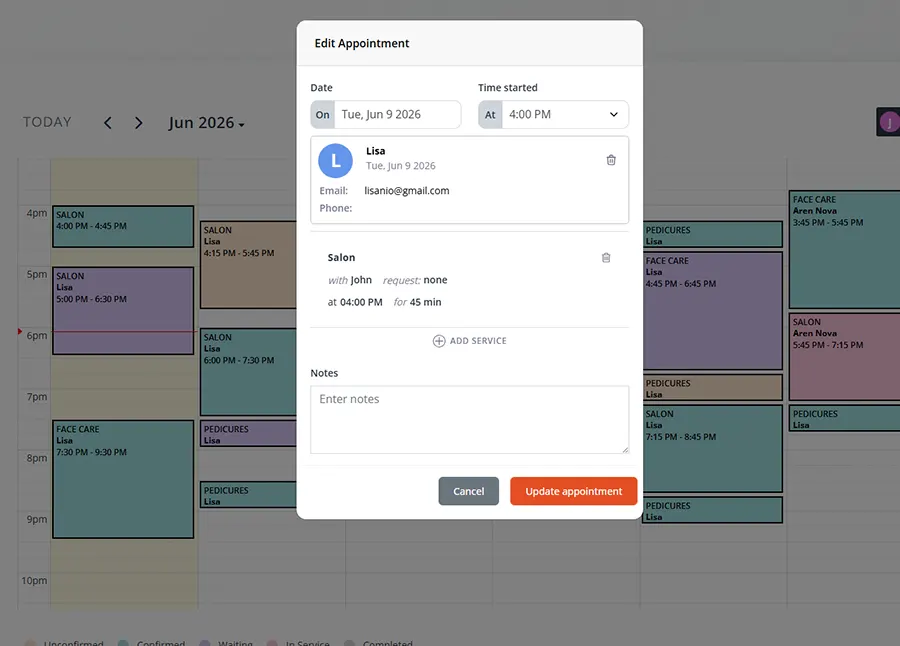
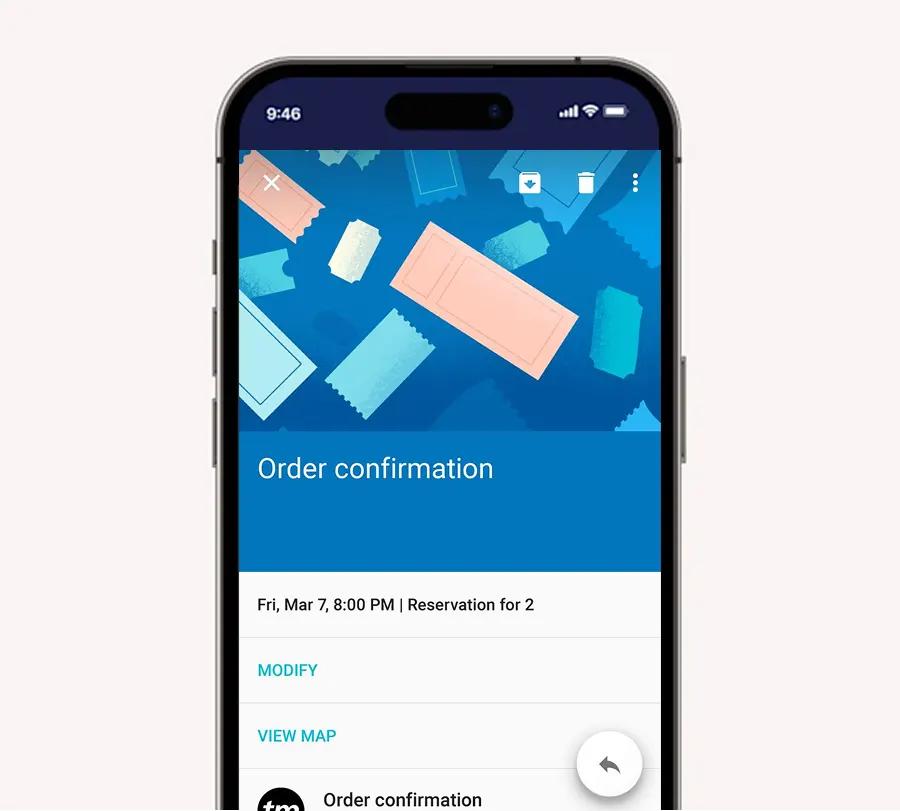
Eliminate confusion caused by timezone differences. Every booking reflects the correct local time for all participants.
automatic timezone img2
Global Scheduling Ready

Perfect for Remote & Global Teams

Whether you’re working with international clients or remote teams, schedule meetings confidently across borders.
automatic timezone img1
Manual Override Option

Full Control When You Need It

Users can manually select or override their timezone anytime for complete flexibility.

automatic timezone img4

BENEFITS

Why You Need Smart Timezone Handling

staff management pg benefit icon5
Eliminate timezone confusion
staff management pg benefit icon1
Improve booking accuracy
staff management pg benefit icon4
Enhance user experience
form design customizer icon1
Perfect for global businesses
staff management pg benefit icon2
Save time with automation

Common Questions

Frequently Asked Questions

How does automatic timezone detection work?
It detects the user’s timezone using their browser or IP location and adjusts the schedule accordingly.
Yes, all booking times are automatically displayed in the user’s local timezone.
Yes, users can manually select a different timezone if needed.
Absolutely. It ensures that both parties see the correct meeting time.
Yes, it’s ideal for global teams, remote work, and international bookings.
No, it works automatically, but you can customize settings if needed.

Schedule Without Borders

Let your calendar handle timezones while you focus on your meetings.