Collect the Right Information with Additional Fields
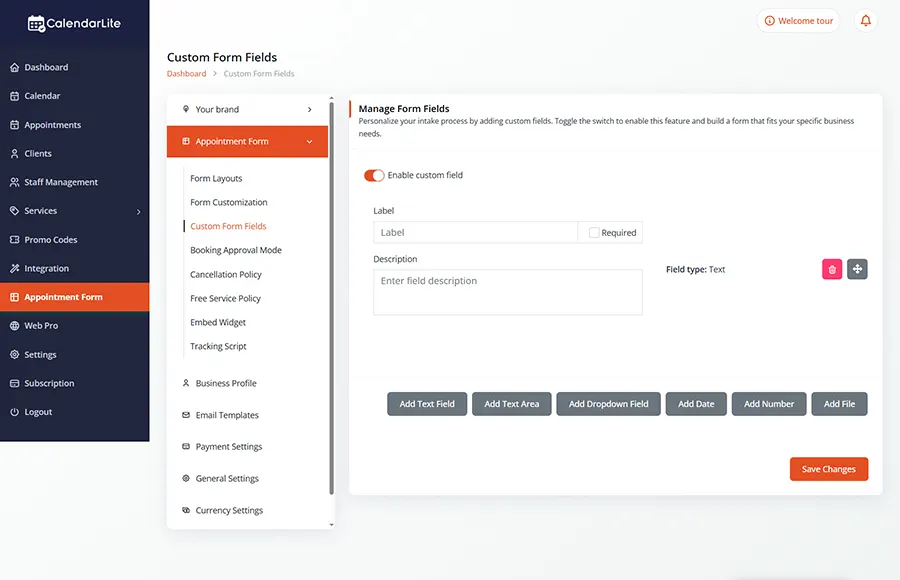
Customize your booking forms to capture exactly what you need — from simple details to advanced client information — all before the appointment begins.
Every business is different — and so is the information you need from your clients.
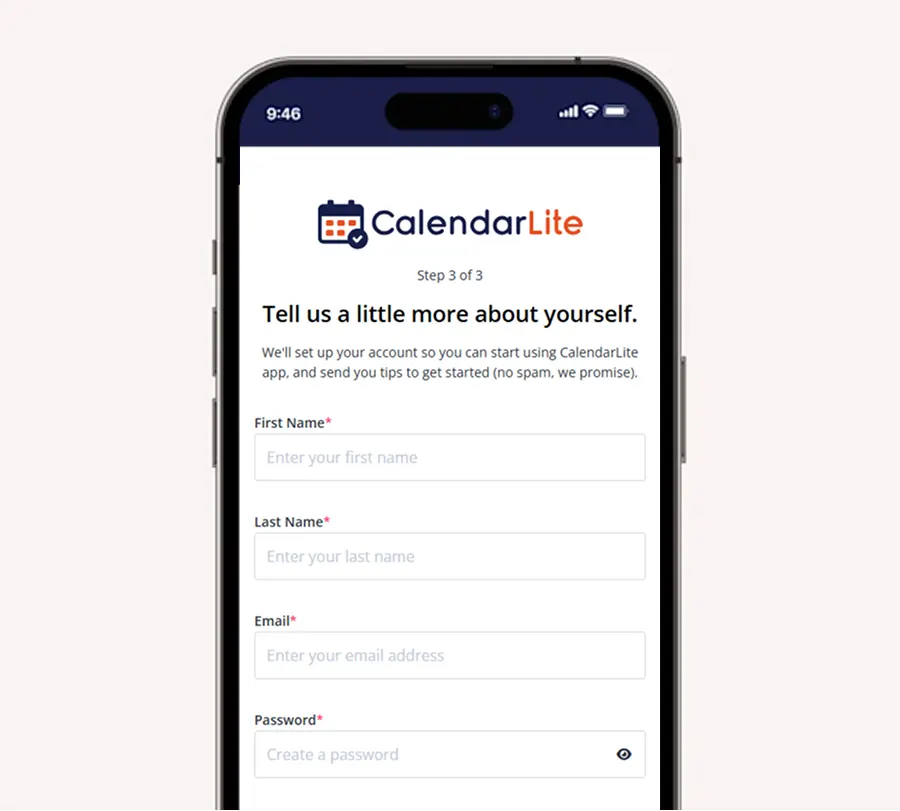
With CalendarLite’s Additional Fields, you can go beyond basic name and email. Create fully customized booking forms that gather the right details upfront, helping you prepare better and deliver a more personalized experience.
Fully Custom Fields
Create Fields That Fit Your Workflow
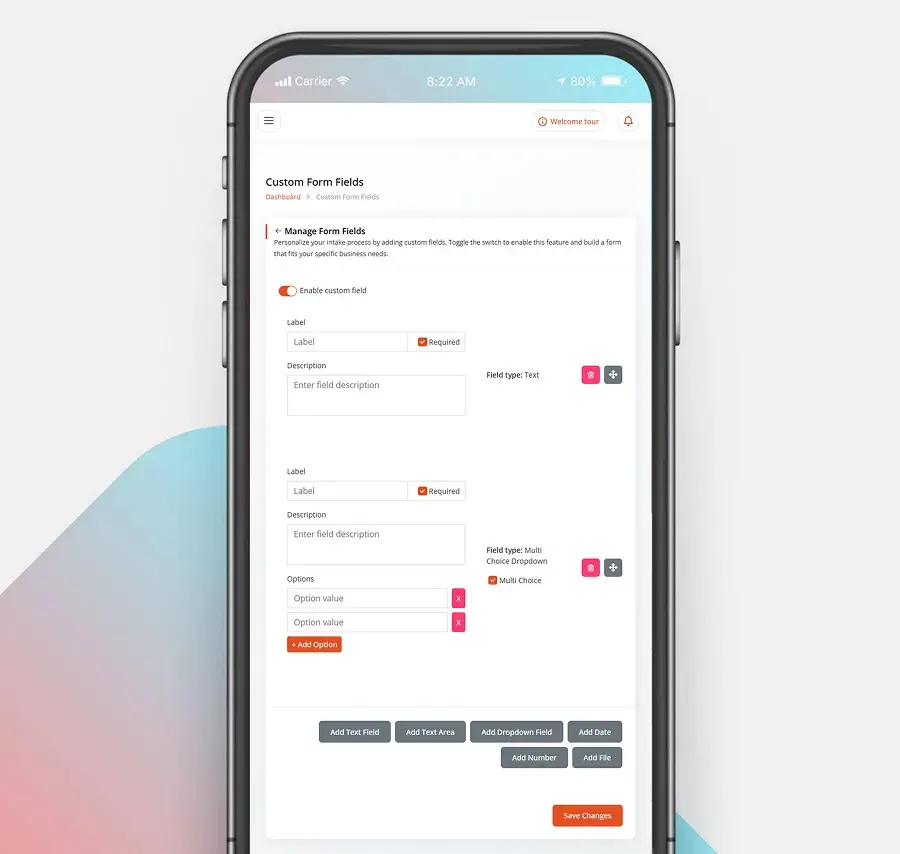
Add text fields, dropdowns, checkboxes, radio buttons, and more. Design forms that match your exact business needs.
Client Intake Made Easy
Gather Details Before the Appointment
Collect important information in advance so you’re always prepared — saving time during meetings.
Required & Optional Fields
Control What Matters Most
Mark fields as required or optional to ensure you get the critical information without overwhelming users.
Capture More Than Just Bookings
Collect the Right Information with Additional Fields
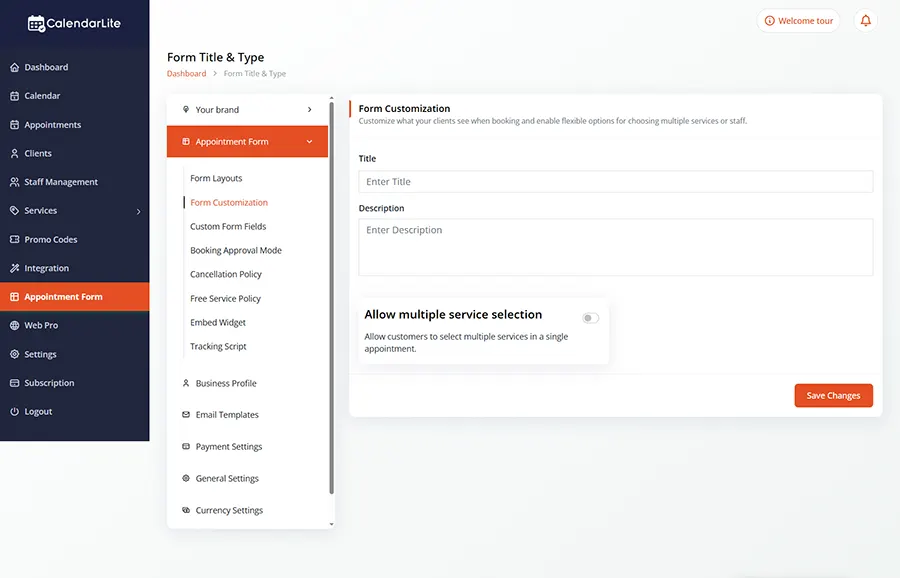
Customize your booking forms to collect exactly what you need — from basic details to specific client preferences — before every appointment. Improve efficiency and deliver a more personalized experience.
Better Client Insights
Understand your clients better with structured data collected through your booking forms — helping you improve services and personalize experiences.
Match Your Brand
Customize labels, placeholders, and styles to ensure your forms feel like a natural part of your brand experience.
Keep Client Data Safe
All submitted information is handled securely, giving both you and your clients peace of mind.